
Tachometer & gear indicator for the Simson KR51/2 Schwalbe
This installation report shows the CUMPAN fitted to the Simson KR51/2 Schwalbe – with tachometer, gear indicator and speedometer.

Installation report by Hansi
Simson KR51/2 Schwalbe – year of manufacture 1968
This is how Hansi solved the installation – unfortunately we cannot guarantee that it works correctly, as we were not able to check the installation ourselves.

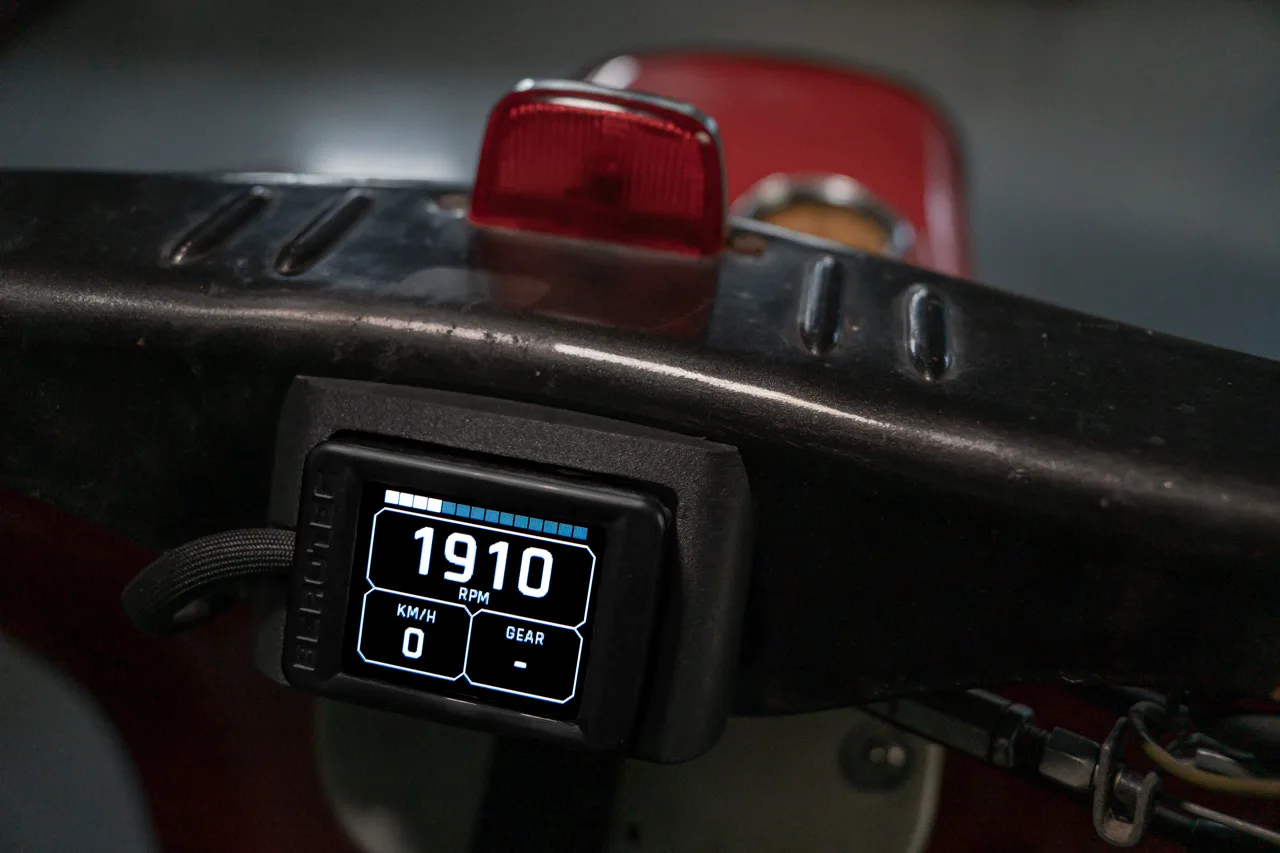
Display
Display fitted to the handlebar cover using the optional display mount.
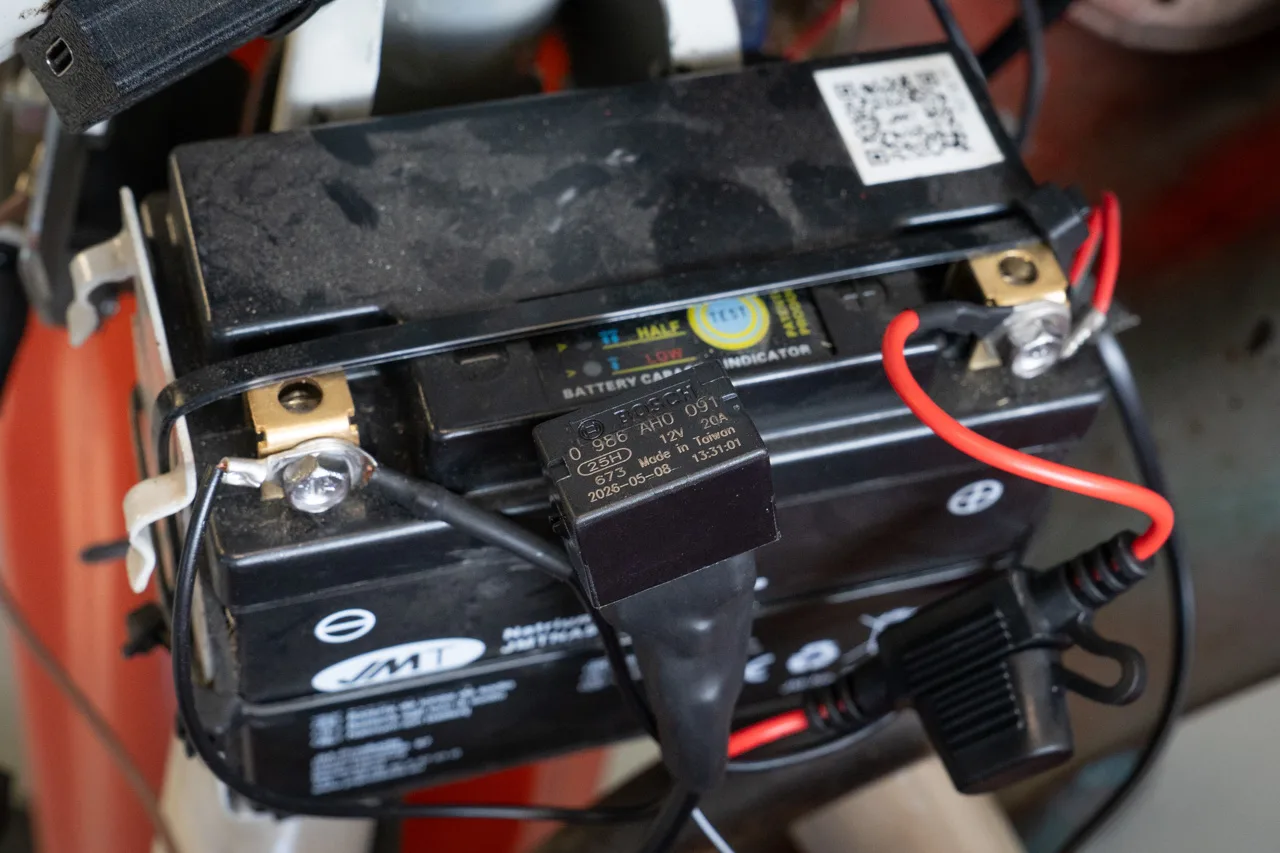
Power supply
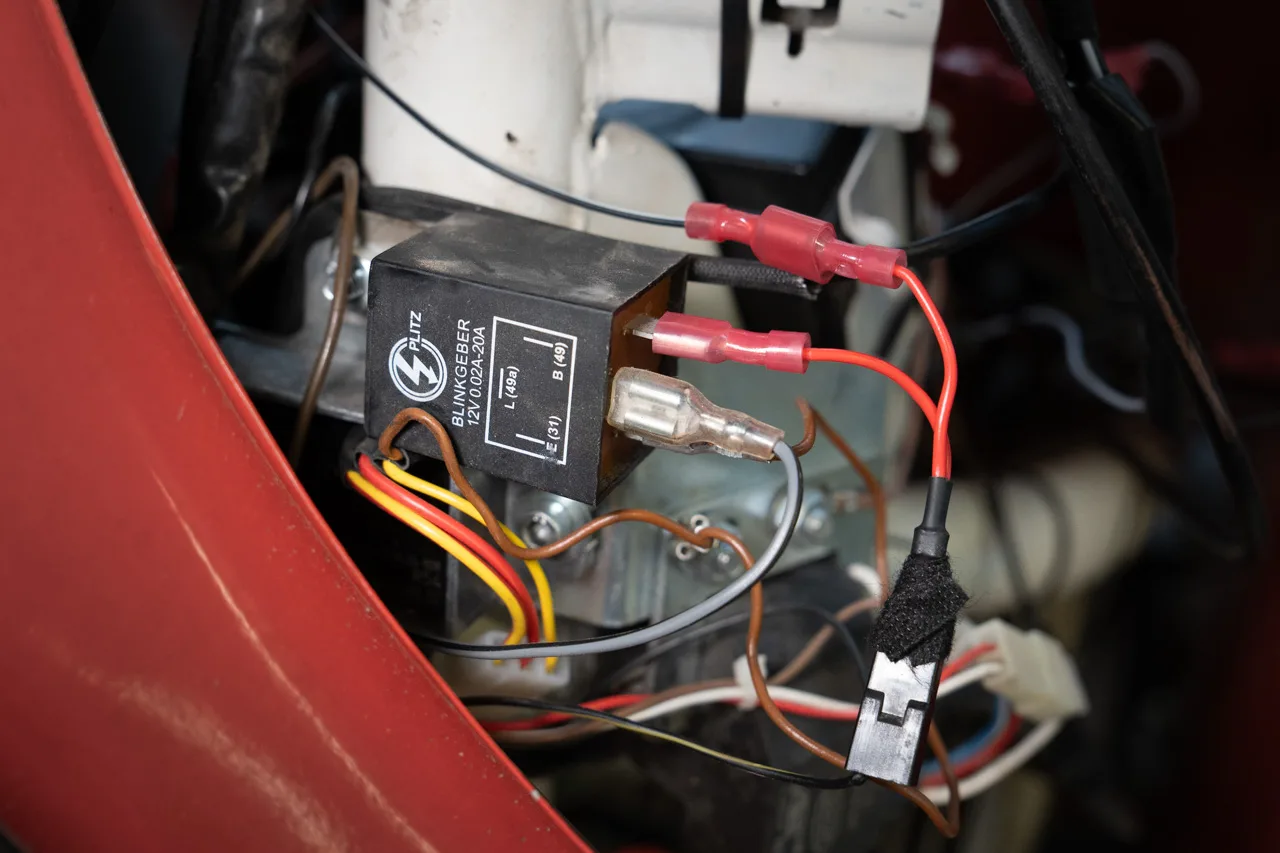
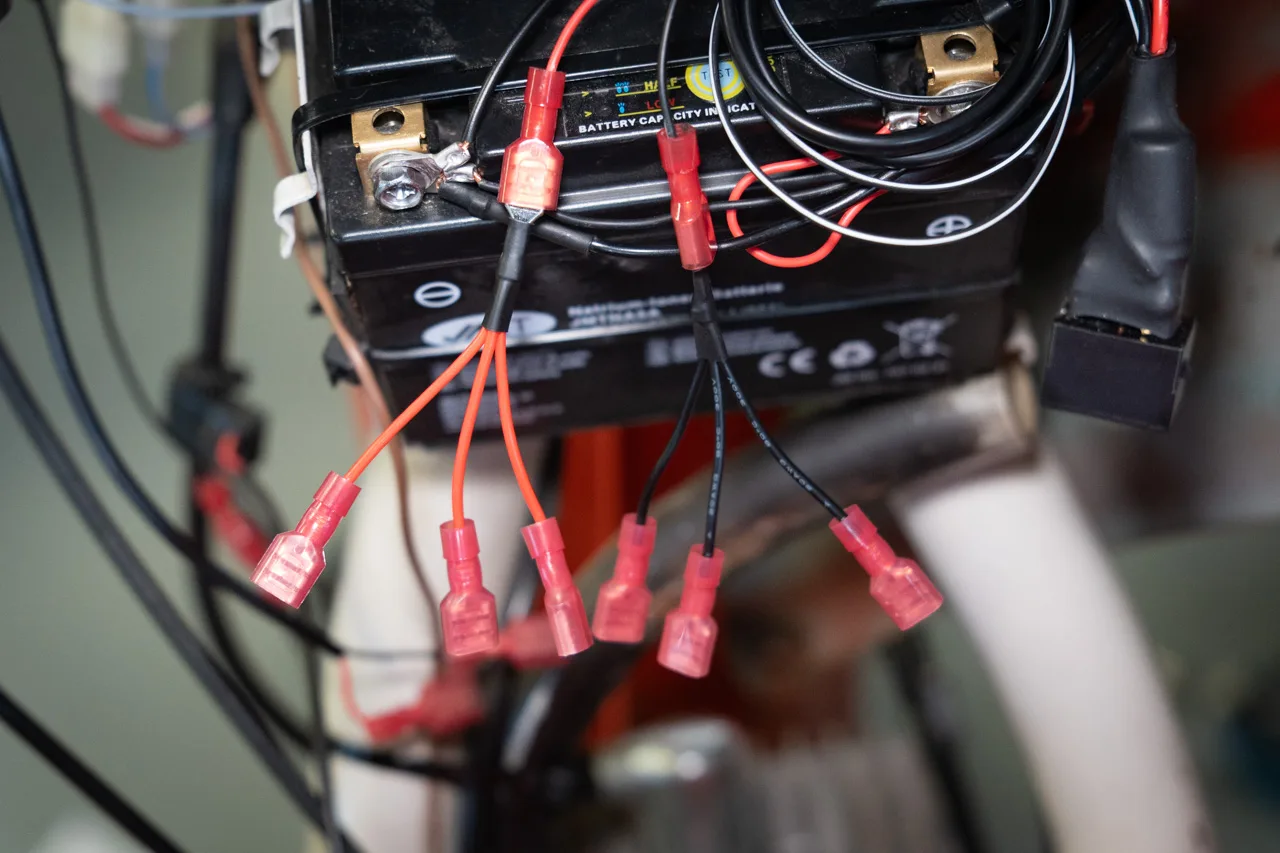
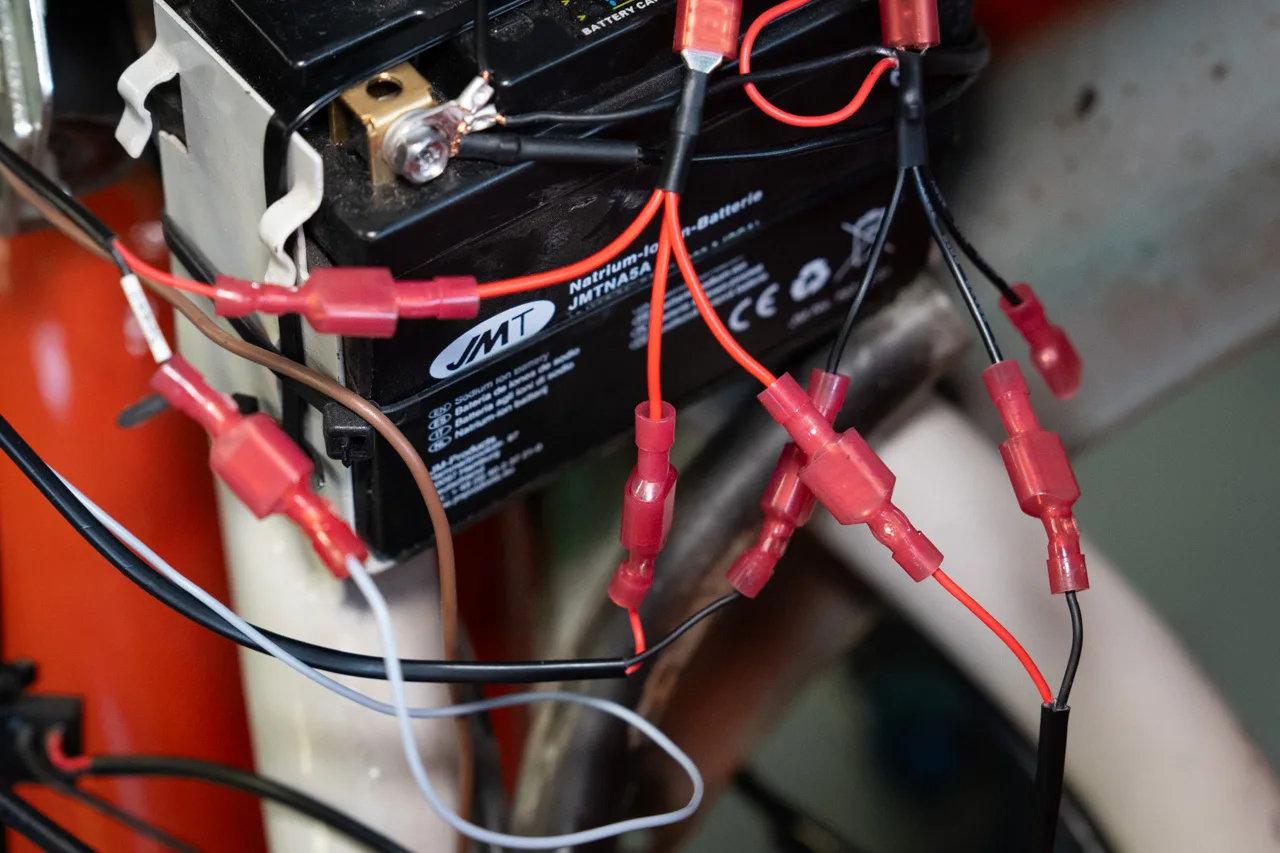
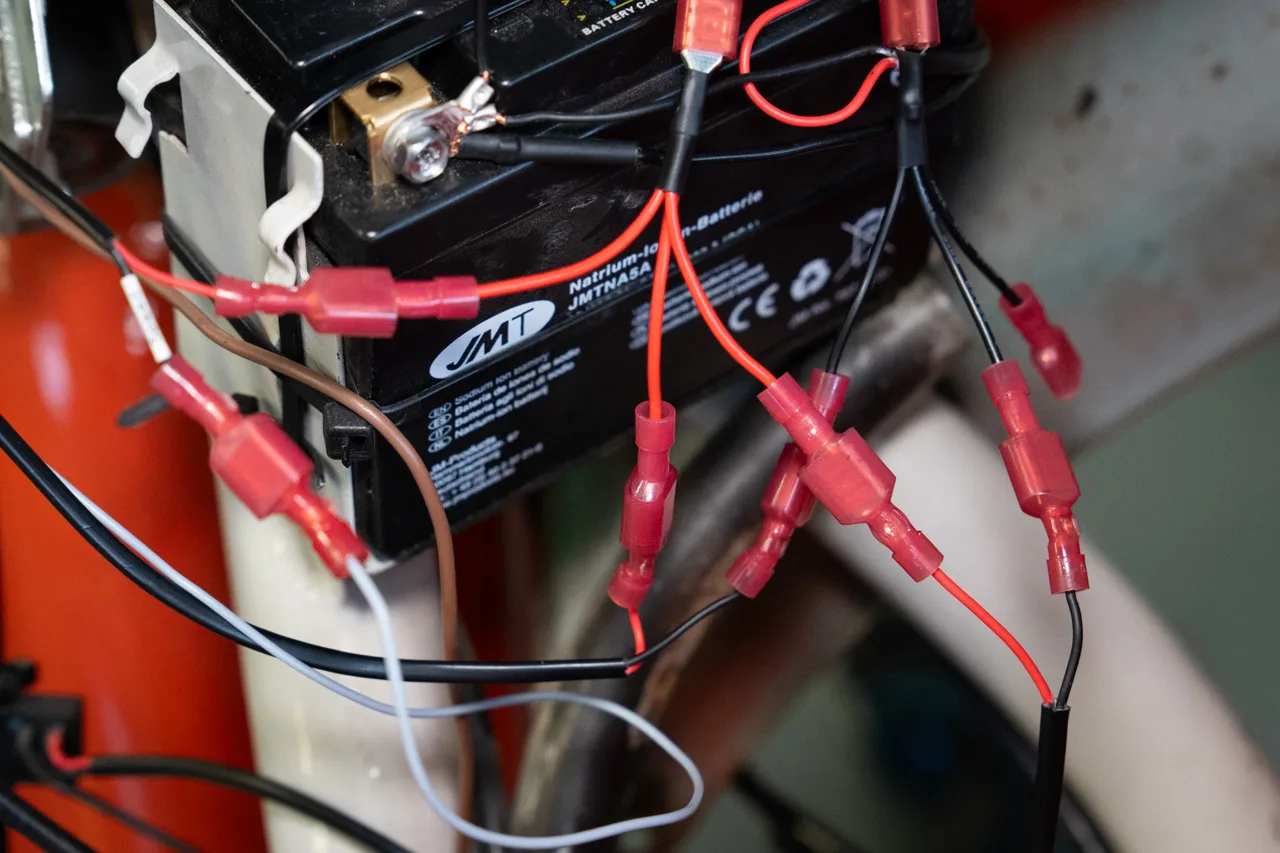
Power relay connected to the battery terminals. The black-and-white wire serving as the control wire connected to the flasher relay contact “B(49)”. Finally, the 3-way splitters for display, speed sensor and RPM Signal Filter connected to the power relay contacts.
RPM
Tapping the RPM signal for the tachometer.
[SENS] setting: Sensor UNI, Count 1, Damping 10
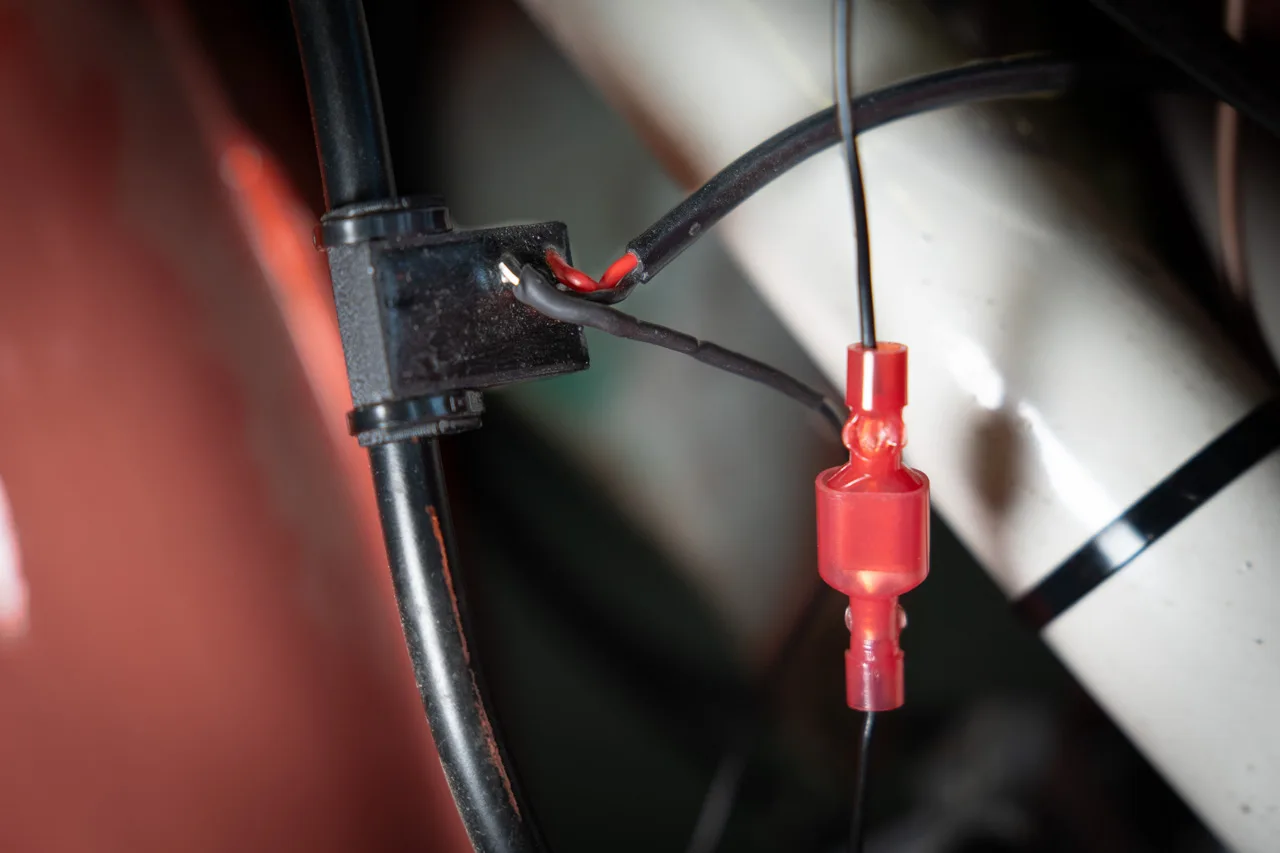
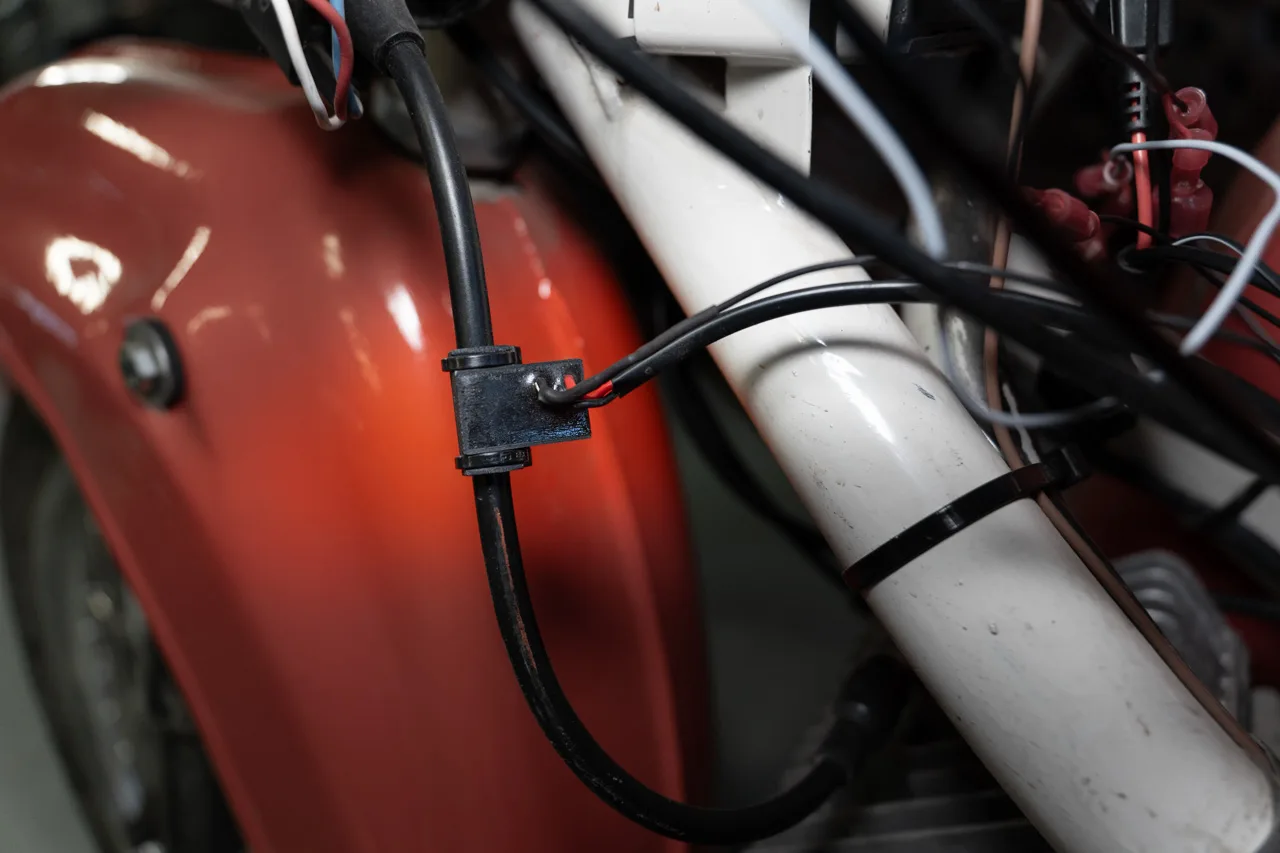
RPM Signal Filter secured to the ignition lead with cable ties and the black signal wire connected to the black signal wire of the display unit. The power supply (black/red) is connected to the 3-way splitter on the power relay. Do not route the outgoing cables close to the ignition coil!
Gear
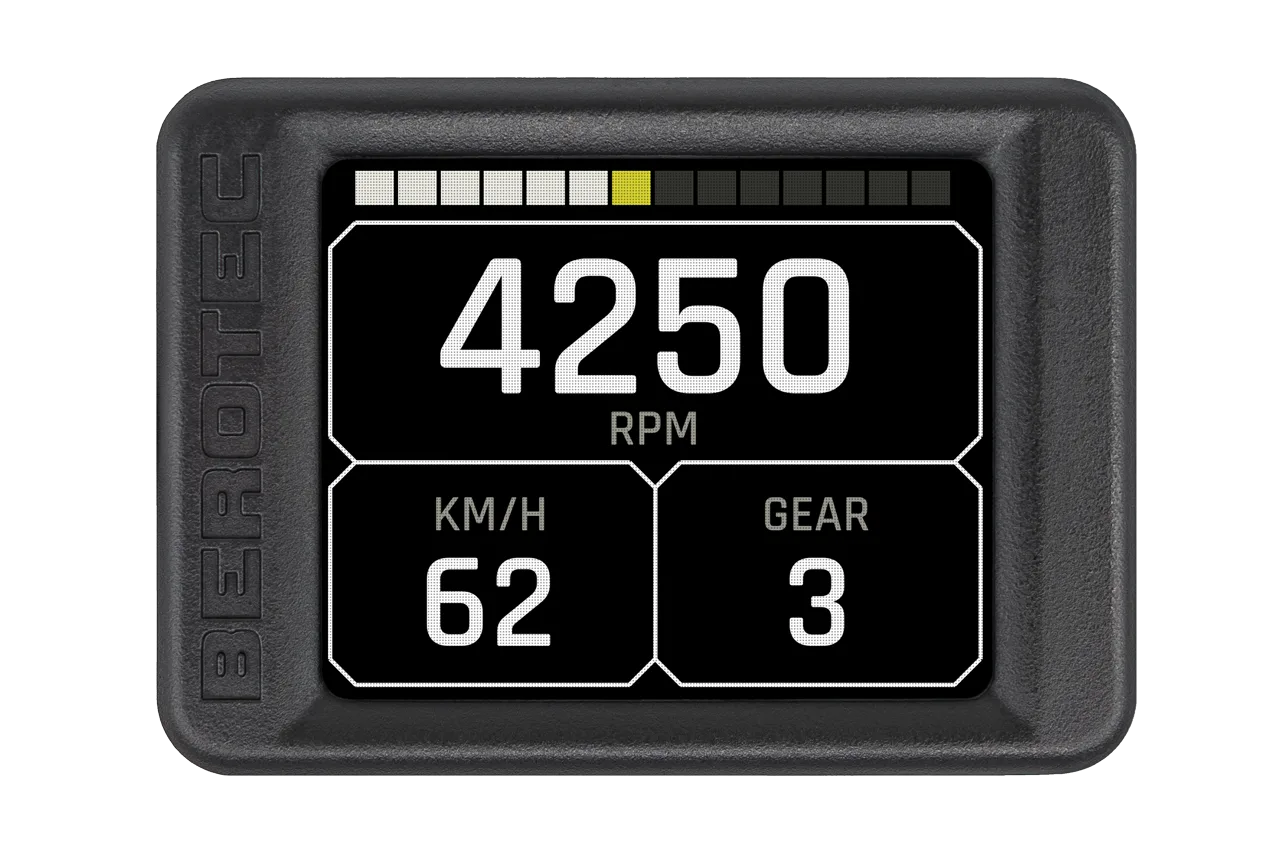
Gear detection for the gear indicator.
The gear indicator is calculated from engine speed and road speed. To do this, fit the speed sensor, enter the wheel circumference and carry out a calibration ride as described in the user manual.
Speed (reed sensor)
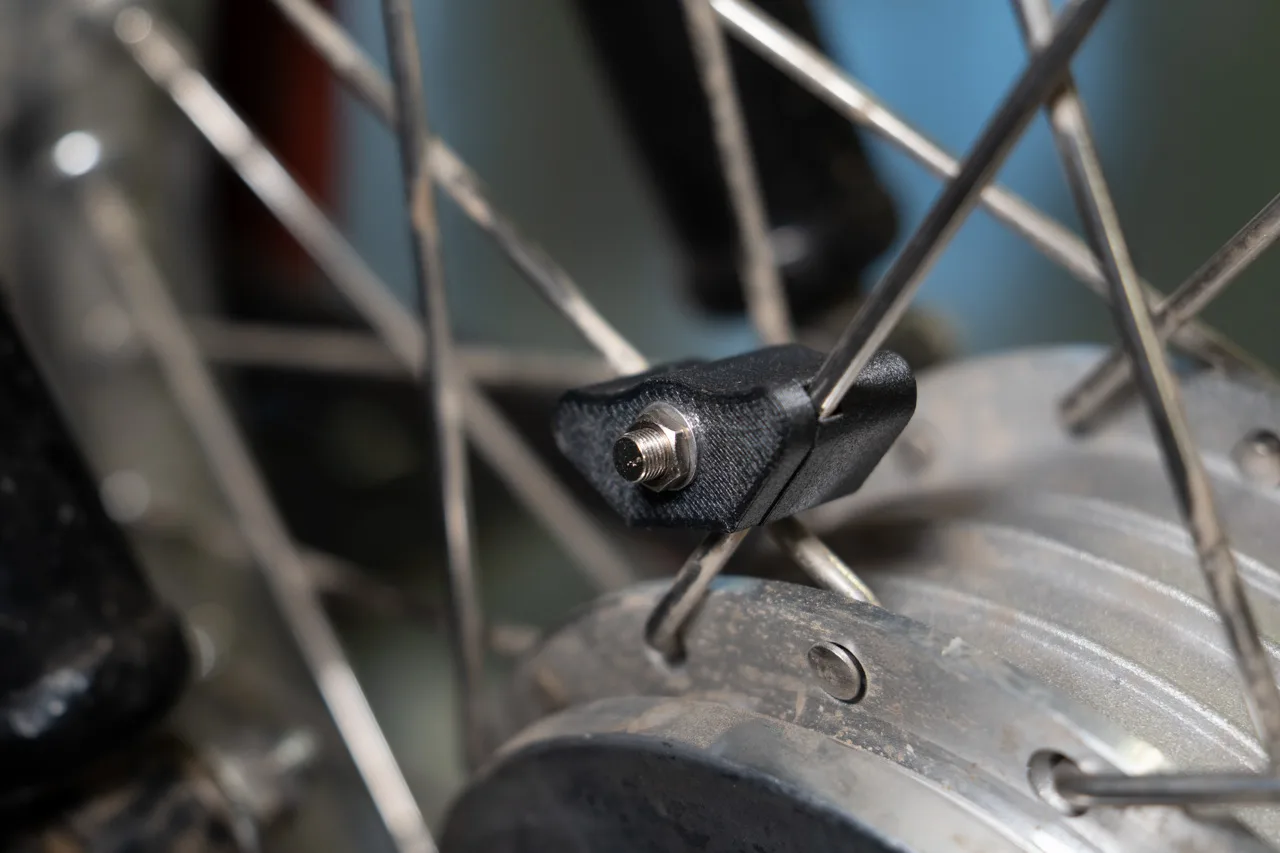
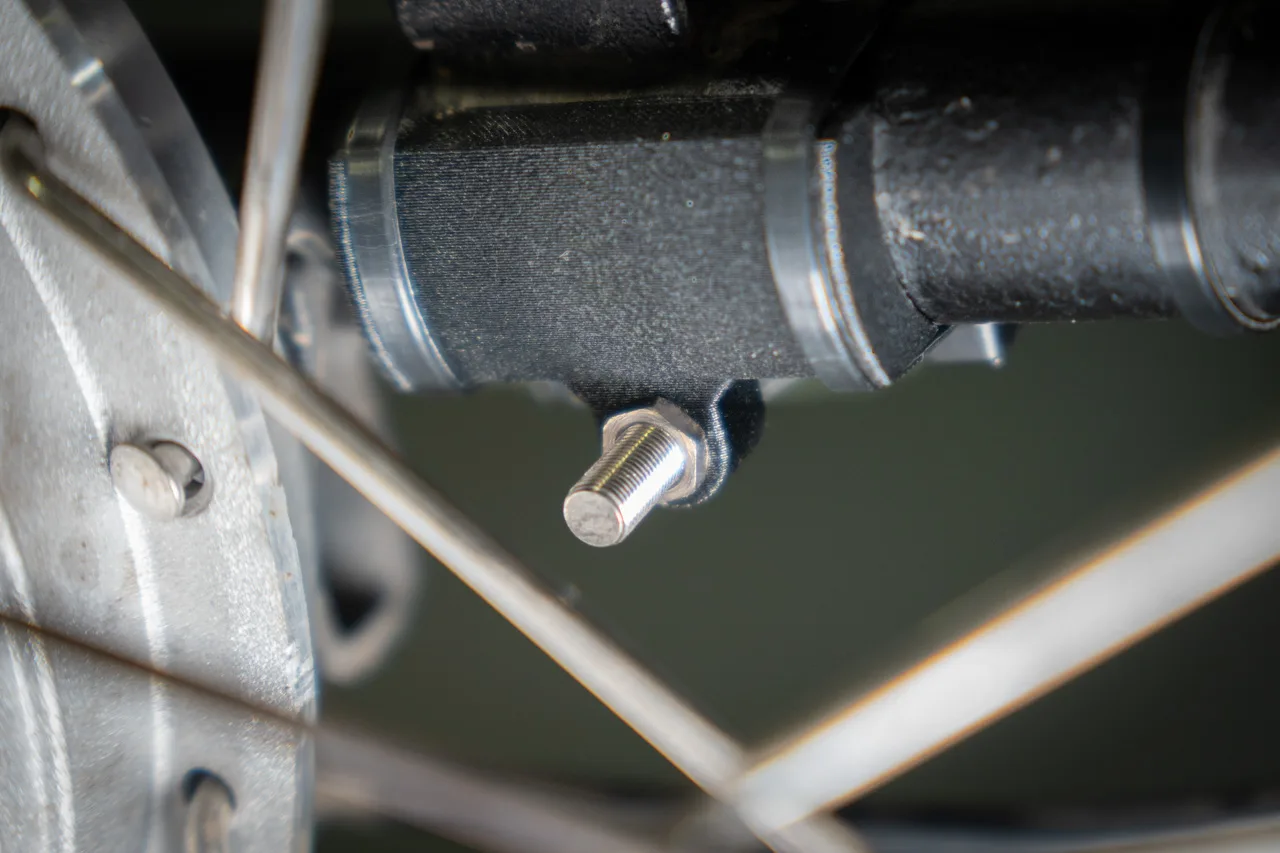
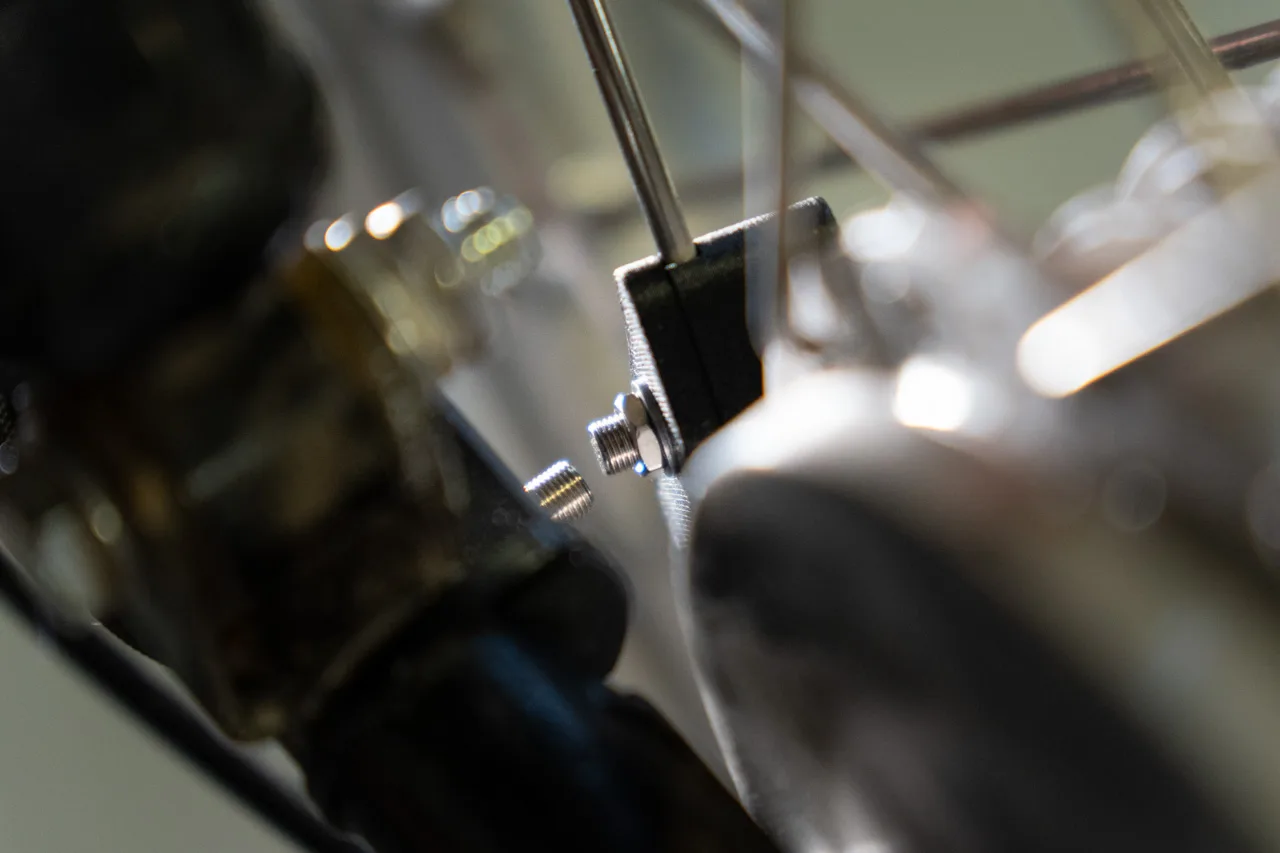
Reed sensor on the wheel for the speedometer.
Fit the magnet with its bracket at the spoke crossing. Align the magnet so that it points to the right in the direction of travel. Then fit the bracket for the speed sensor to the right-hand swingarm leg with cable ties so that the sensor sits at the same height as the magnet. The gap should be 2–3 mm. Route the sensor cable along the brake cable towards the display and the power connection.

Have you fitted a CUMPAN? Contribute your own installation report – directly here, with your photos.


